The way tasks are displayed matters – depending on your preference, you may want to see them as a list or as a Kanban board. By default, Odoo presents tasks in list view.

Default Kanban View:
Step 1: Enable Developer Mode
- Go to the Settings app.
- In the General Settings, scroll down to the bottom of the page.
- In the Developer Mode section, click Activate Developer Mode.
- Refresh the page.

Step 2: Change the Default View in the Projects App
- Open the Projects app.
- Click the Developer Mode (debug) icon in the top-right corner.
- From the menu, select Action.
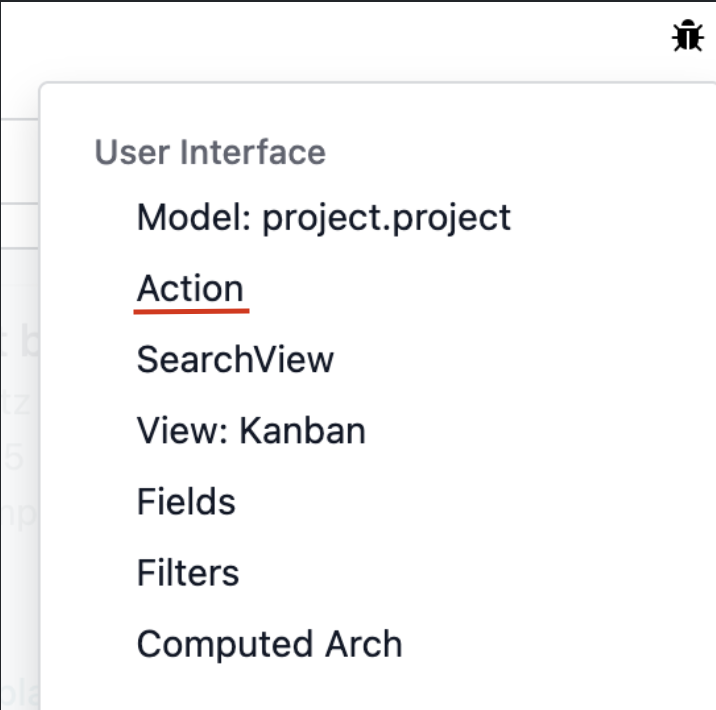
4. Find the Views table.

5. Drag the Kanban view above the List view.

To save the settings, refresh the page. From now on, Odoo will display tasks in the Kanban view by default. .
